Direct your sound
Describe genre, mood, tempo, vocals, instruments, and production style.
AI song generator online
Turn ideas into studio-grade tracks and songs with Gemini AI music generation.
Music Studio
1 free song every 24 hours · No card required
Lyrics-to-music and instrumental modes
Bitrate, sample rate, and format controls
Persistent audio history for signed-in users
A clearer starting point
Describe genre, mood, tempo, vocals, instruments, and production style.
Write your own lyrics, generate lyrics from the prompt, or create an instrumental.
Choose the output format, bitrate, and sample rate for every generation.
Create music for videos, songs, podcasts, and campaigns with context.
Generate from the browser on phone, tablet, or desktop.
Return to finished tracks from your signed-in music history.
Make a direction, not a guess
Describe the scene, add lyrics, set the audio quality, and generate a complete track you can revisit later.
Generate in Studio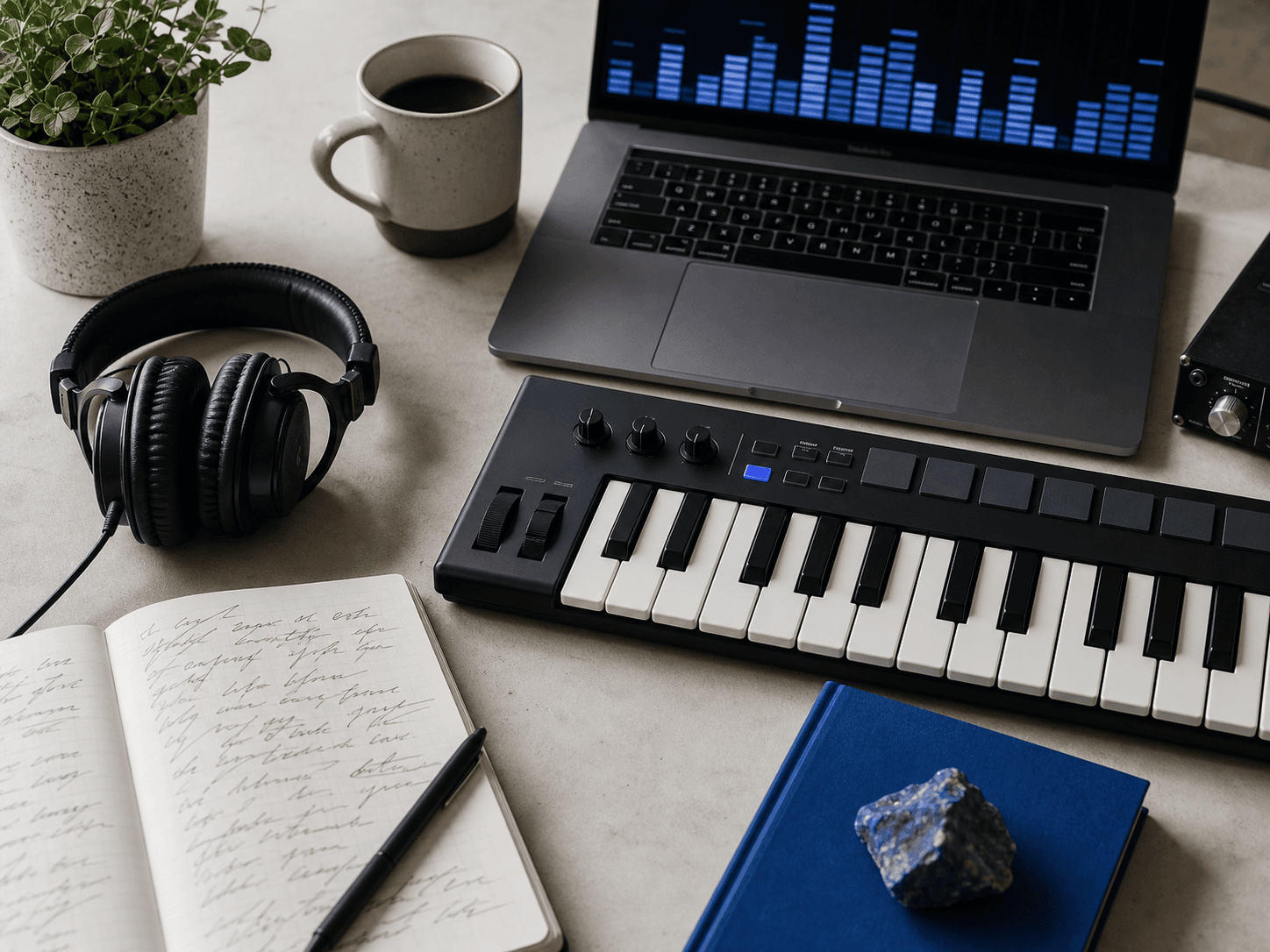
Write what the track should make someone feel and where it will be heard.
Choose vocal or instrumental mode, then set the output quality.
Wait for the audio to finish, then play it from Studio or your history.
Simple pricing
Cancel anytime. Paid credits roll over monthly; Free credits reset every 24 hours.
A complete song is 3 minutes or longer, with vocals and lyrics.
1 song every 24 hours
Reset every 24 hours
Free
50 songs/month
Perfect for hobbyists
$9.99/month
Billed $119.88 annually
Most Popular
150 songs/month
For serious creators
$24.99/month
Billed $299.88 annually

Built for the work around music
Use a prompt as a starting point for a lyric session, a creator soundtrack, a campaign concept, or a private song sketch. You keep the perspective. GeminiMusic helps organize the direction.
Questions
Yes. With GeminiMusic, you can generate vocal tracks or instrumentals from lyrics and detailed music prompts online.
Gemini Music Studio is an online AI music generation interface designed to turn lyrics and musical style descriptions into ready-to-use audio directions fast.
Enter lyrics and a style prompt with genre, BPM, vocals, and mood, choose the audio settings, then select Generate music.
Yes. Sign in to generate music and keep completed tracks in your history.
Yes. Manage or cancel an active subscription through the billing portal. Paid credits already granted to your account remain available.
Your prompt, lyrics, settings, generation status, and result link are stored so your signed-in account can access its music history. Do not enter sensitive personal, private, or confidential information.